If your Samsung TV suddenly shows a black screen but you can still hear sound, or it gives no picture at all, you are dealing with what people call the "black screen of death." This problem affects every kind of Samsung set, from older LED models to newer QLED, Neo QLED, OLED, and The Frame TVs. The good news is that most cases come from software glitches, loose cables, or settings, and you can fix them at home in a few minutes.
The single most useful thing you can do first is figure out which type of black screen you have. A screen that goes black but keeps the sound points toward the backlight, a wrong input, or a dimming setting. A screen with no picture and no sound usually points toward power, a cable, or a board. Work through the fixes below from the top, since they run free and fast first and move toward hardware last.
Read more - How to Fix a Samsung TV That Won't Turn On
Quick Diagnosis Table
Use this table to match your exact symptom to the most likely cause and the first fix to try. It will save you from working through steps that do not apply to your situation.
| Symptom | Likely cause | First fix | Effort |
|---|---|---|---|
| Black screen but sound still works | Failed backlight, wrong input, or dimming setting | Run the flashlight test, then check input and brightness | Low |
| No picture and no sound, standby light on | Software glitch or stuck power state | Cold boot and power drain | Low |
| No picture, no sound, no standby light | Power supply or wall outlet | Plug straight into the wall, test the outlet | Low |
| Black screen only on one HDMI source | Cable, port, or HDMI-CEC handshake | Reseat the cable, change ports, cycle Anynet+ | Low |
| Black screen on a TV with a separate box | One Connect cable or box fault | Reseat or test the One Connect box | Medium |
| Black screen with faint image under a flashlight | Backlight LEDs failing | Repair quote for backlight | High |
| Completely dead after a power surge | Power supply board or main board | Repair quote, compare with replacing | High |
Cold Boot the TV
The fastest fix for most black screens is a cold boot, which clears temporary memory and drains a residual charge that can stall the main board. With the TV plugged in, press and hold the Power button on your remote for about 5 seconds until the screen goes off and the Samsung logo reappears. This is more than a normal off and on, so wait for the full restart.
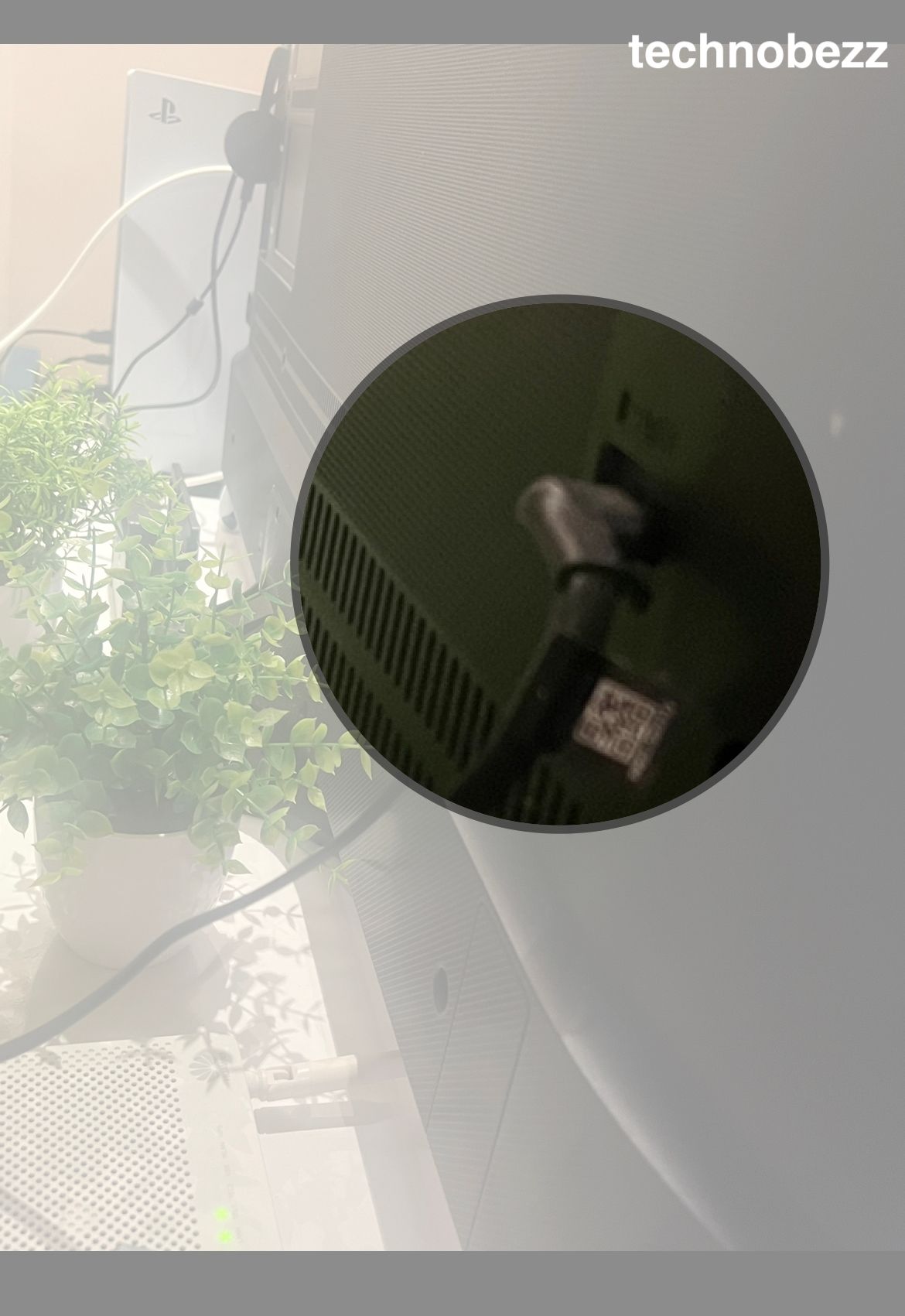
If that alone does not work, do a full power drain. Unplug the TV from the wall, then press and hold the physical Power button on the TV itself, not the remote, for 15 seconds. Wait another 30 seconds with the set unplugged, then plug it back in and turn it on.
This discharges the capacitors and gives you a true clean start. Many people find the picture comes straight back, especially when the black screen began after the TV sat in sleep mode for a long time.
Confirm the Input Source
A black screen with working menus is often just the wrong input. Press the Home button on the remote, and if the Samsung menu appears the panel is fine and the TV simply is not seeing a signal. From there press the Source or Input button and select the port your device is plugged into.
Match the source to the device exactly. If your console or cable box sits in HDMI 2, set the TV to HDMI 2 and make sure that device is powered on. If you see the menu but no picture from any source, move on to the cable and connection checks below.
Reseat HDMI Cables and Try Other Ports
Loose or damaged HDMI cables are a leading cause of a no-picture screen. Disconnect every external device, then reconnect one at a time so you can spot the one that triggers the black screen.
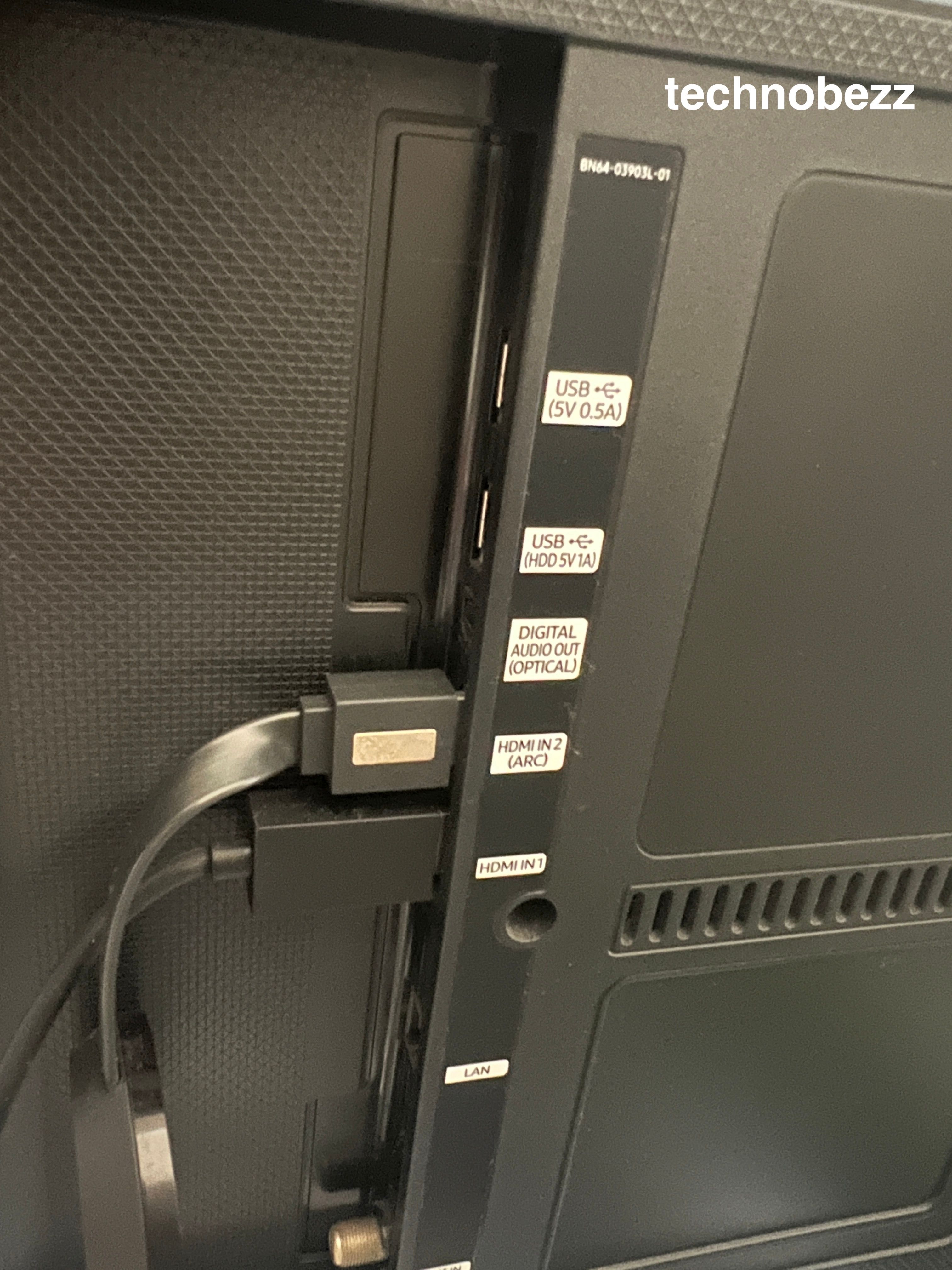
Work through these connection checks for each device.
- Push each HDMI cable in firmly at both the TV and the device end
- Inspect the cables for kinks, breaks, or bent connectors and swap in a known-good one
- Move the device to a different HDMI port on the TV to rule out a dead port
- Power cycle each device by holding its power button for about 30 seconds, then reconnect
To check a cable from the menu, go to Settings > All Settings > Support > Device Care > Self Diagnosis, then use Signal Information to test the HDMI cable, or HDMI Troubleshooting to confirm the cable is properly connected to the port. A shorter, known-good cable tends to give the most reliable result.
Cycle HDMI-CEC and Anynet Plus
Samsung's Anynet+ feature, also called HDMI-CEC, lets connected devices control each other, but a failed handshake can leave the screen black on one source. Turning it off and on again often clears the issue.
On 2025 models go to Settings > All Settings > General & Privacy > External Device Manager > Anynet+ (HDMI-CEC). On 2023 and 2024 models the path is Settings > All Settings > Connection > External Device Manager > Anynet+ (HDMI-CEC). Toggle it off, restart the TV and device, then turn it back on.
Check the Power Source
Power supply problems are a common reason a Samsung TV stays dark. If you are using a power strip or surge protector, confirm its switch is on and its indicator light is lit, since these can be knocked off without you noticing.
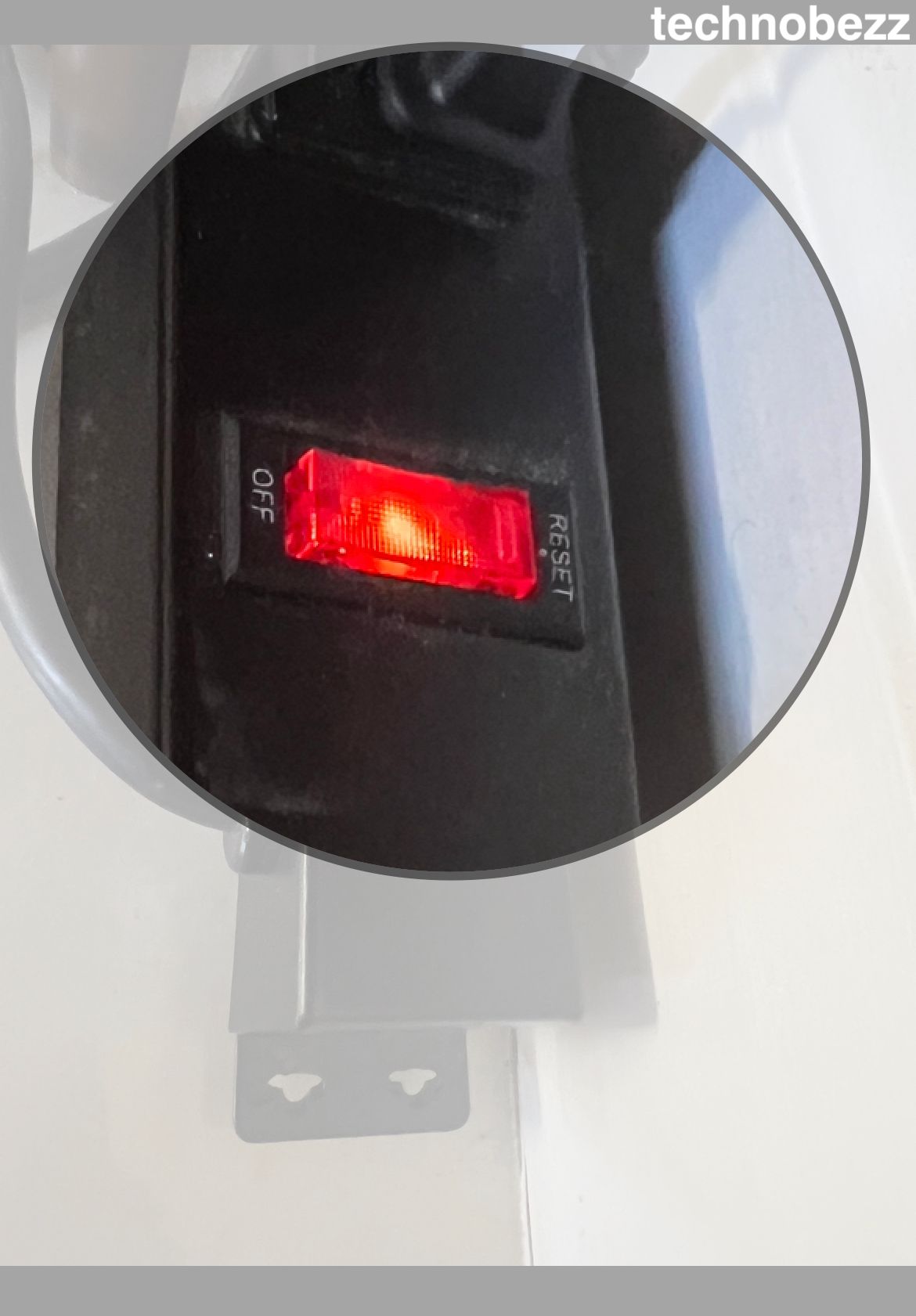
Plug the TV straight into a wall outlet rather than through a strip. An old or failing surge protector can deliver unstable power that leaves the TV looking on while the screen never lights up. Test the outlet itself with another appliance to rule it out.
Run the Flashlight Test
If you have sound but no picture, the flashlight test tells you fast whether the backlight has failed. In a dark room, hold a phone torch or flashlight about an inch from the screen and shine it at a slight angle while the TV is on and playing something.
If you can make out a very dim image or shadowy menu under the light, the panel and main board are working and the LED backlight is the problem. A backlight failure is a hardware repair, so this test saves you from chasing software fixes that cannot help.
Adjust Brightness and Ambient Light Detection
A screen that fades to near black on its own is often a power-saving setting, not a fault. Samsung's ambient light sensor lowers brightness to match the room, and in a dim room it can dim the picture so far it looks like a black screen.
On older models the setting lives under Settings > General > Eco Solution, where you can turn off Ambient Light Detection. On newer sets it sits under Settings > General & Privacy > Power and Energy Saving, where the same feature is called Brightness Optimization. Turn it off, then raise the picture brightness back to a normal level and check whether the image returns to full strength.
Run the Picture Test
Samsung's built-in Picture Test shows an internal reference image, so it bypasses your inputs and tells you whether the panel itself can display anything. If the test image looks clean, the fault is in your source or cables, not the TV.
Open Settings > All Settings > Support > Device Care > Self Diagnosis > Picture Test and follow the on-screen instructions. The same Self Diagnosis menu also offers a Video Test, Sound Test, and HDMI checks worth running while you are there.
Update the TV Software
Outdated firmware can cause black screens, freezing, and app crashes, and an update often fixes them. You need the TV to show enough of a menu to navigate, so try this after a cold boot has given you a usable screen.
Go to Settings > All Settings > Support > Software Update > Update Now and let any available update install fully without turning the TV off. While you are there, turn on Auto Update so future fixes arrive on their own.
Reinstall or Clear a Crashed App
If the screen only goes black inside one streaming app, that app has crashed rather than the TV failing. Press Home to leave the app, then highlight its icon, open the options, and choose to delete and reinstall it.
Reinstalling pulls a fresh, updated copy and clears corrupted data behind the crash. If several apps misbehave at once, run the software update above and then the factory reset further down as a deeper fix.
Check the One Connect Box and Cable
Many Samsung QLED, Neo QLED, and The Frame TVs route everything through a separate One Connect box linked by a single thin cable. A black screen on these sets is very often the box or that cable rather than the panel.
Inspect the cable, known as the One Invisible Connection, for kinks, pinches, or anything resting on it, then disconnect and firmly reconnect it at both ends. Replace the cable if it shows any damage, since a stressed cable can stop the picture entirely.
To test the box itself, disconnect its power and cable so the TV runs alone. If the TV then shows any message or image, the One Connect box is faulty and needs replacing, and if the screen stays fully black the panel side needs service.
Factory Reset the TV
A factory reset wipes your settings and accounts and returns the TV to how it left the box, which clears software faults the smaller resets miss. Back up any login details first, since you will sign in to everything again.
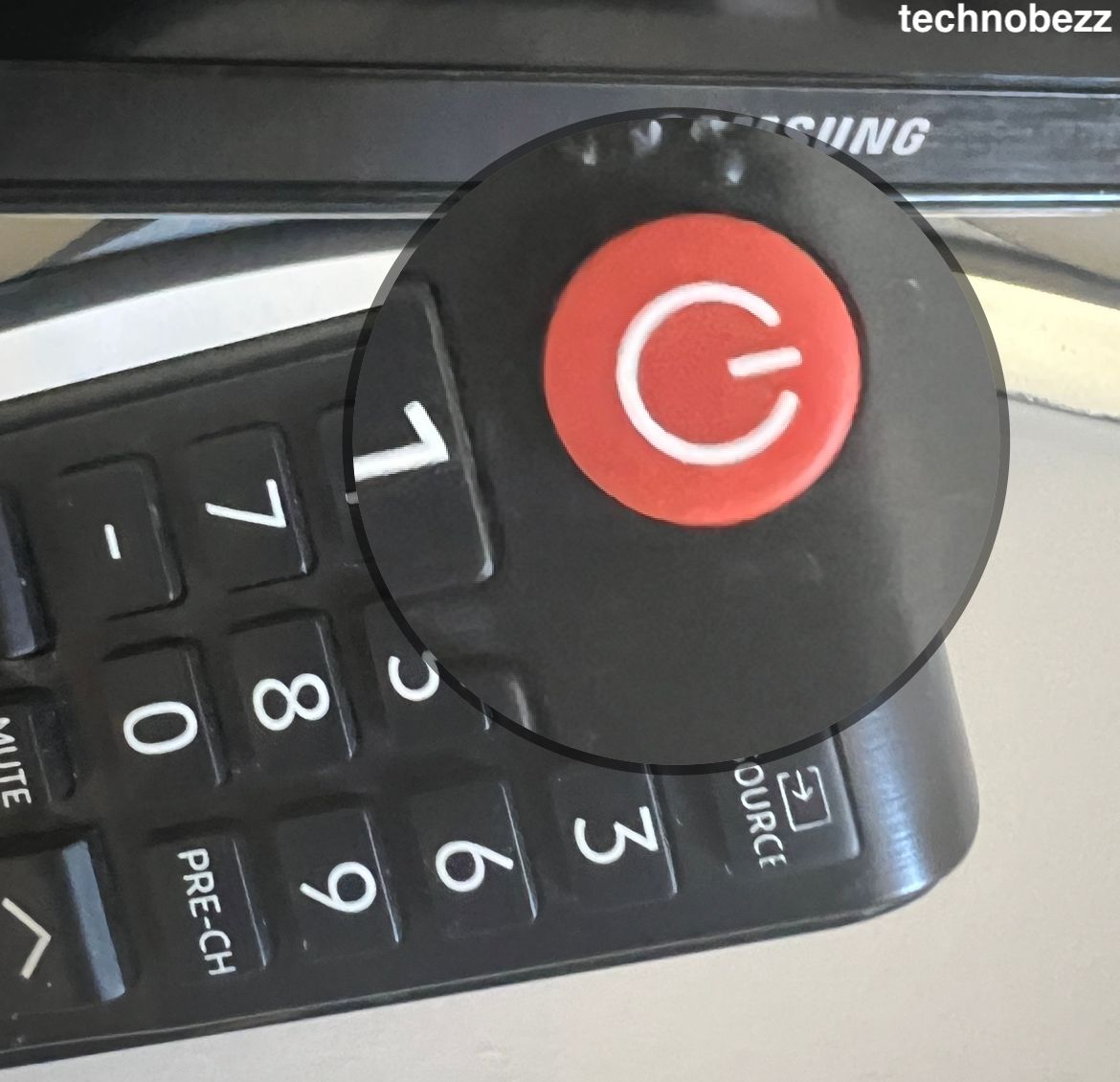
Go to Settings > General & Privacy > Reset, enter your PIN, which is 0000 by default, and confirm. If you cannot find that path, use Settings > Support > Self Diagnosis > Reset instead, then let the TV restart and run through initial setup.
Inspect for Power Board or Main Board Failure
If nothing above brings back the picture, the fault is likely on a board inside the set. A failed power supply board can leave the TV unable to light the screen, while a main board fault can knock out the display entirely, and a T-Con board fault often kills the picture while sound carries on.
These signs usually follow a power surge, a clicking or buzzing noise, or a standby light that blinks in a pattern. Board repairs need a technician or replacement parts, so weigh the cost of the fix against a new set before committing.
Decide Between Repair and Replacement
Hardware repairs add up, so it helps to know rough figures before you call anyone. A backlight repair commonly runs about 100 to 300 dollars, and a power supply or main board replacement commonly runs about 150 to 500 dollars, with premium and large models reaching higher.
If your TV is still under warranty, contact Samsung support before paying for any repair, since the work may be covered. For an older or out-of-warranty set, compare the quote against the price of a new TV, because a fix that costs half of a replacement is rarely worth it.
Read more - Samsung TV Keeps Turning On and Off by Itself
Prevent Future Black Screens
A few habits cut the odds of the black screen coming back. Keeping the firmware current and the airflow clear addresses the two most common software and heat triggers.
- Leave Auto Update on so firmware fixes install on their own
- Plug the TV into a quality surge protector to guard against power spikes
- Keep the vents clear and give the set room to breathe so it does not overheat
- Power cycle the TV every so often to clear cache and residual charge
- Avoid leaving a bright static image on screen for hours, which stresses any panel
Frequently Asked Questions
Why is my Samsung TV black but the sound still works?
When sound works but the picture is gone, the main board and speakers are fine and the fault sits in the display path. The usual causes are a failed LED backlight, a wrong input, or a dimming setting, so run the flashlight test and check the ambient light setting first.
How do I reset a Samsung TV with a black screen?
Start with a cold boot by holding the remote Power button for about 5 seconds, or do a power drain by unplugging the TV and holding its physical power button for 15 seconds. If you can see a menu, a full factory reset lives under Settings then General and Privacy then Reset, with a default PIN of 0000.
Is a Samsung TV black screen fixable or do I need to replace the TV?
Most black screens come from software, cables, or settings and are fixable at home for free. It is only when the flashlight test shows a failed backlight, or a board has died, that you face a paid repair or a decision to replace the set.
How much does it cost to repair a Samsung TV power board?
A power supply or main board replacement commonly runs about 150 to 500 dollars including parts and labor, with large or premium models costing more. Because that can reach half the price of a new TV, get a quote and compare it against replacing the set.
What is the flashlight test on a Samsung TV?
The flashlight test checks whether the backlight has failed. In a dark room you shine a torch close to the screen at an angle, and if you can see a faint image the panel works and only the backlight LEDs need repair.
Why does my Samsung TV with a One Connect box show a black screen?
On QLED, Neo QLED, and The Frame sets, the One Connect box and its thin cable carry the picture, so a fault there blacks out the screen. Reseat or replace the cable, then disconnect the box to test, since a message appearing on the TV means the box itself needs replacing.
First published October 16, 2025. Last updated June 4, 2026.