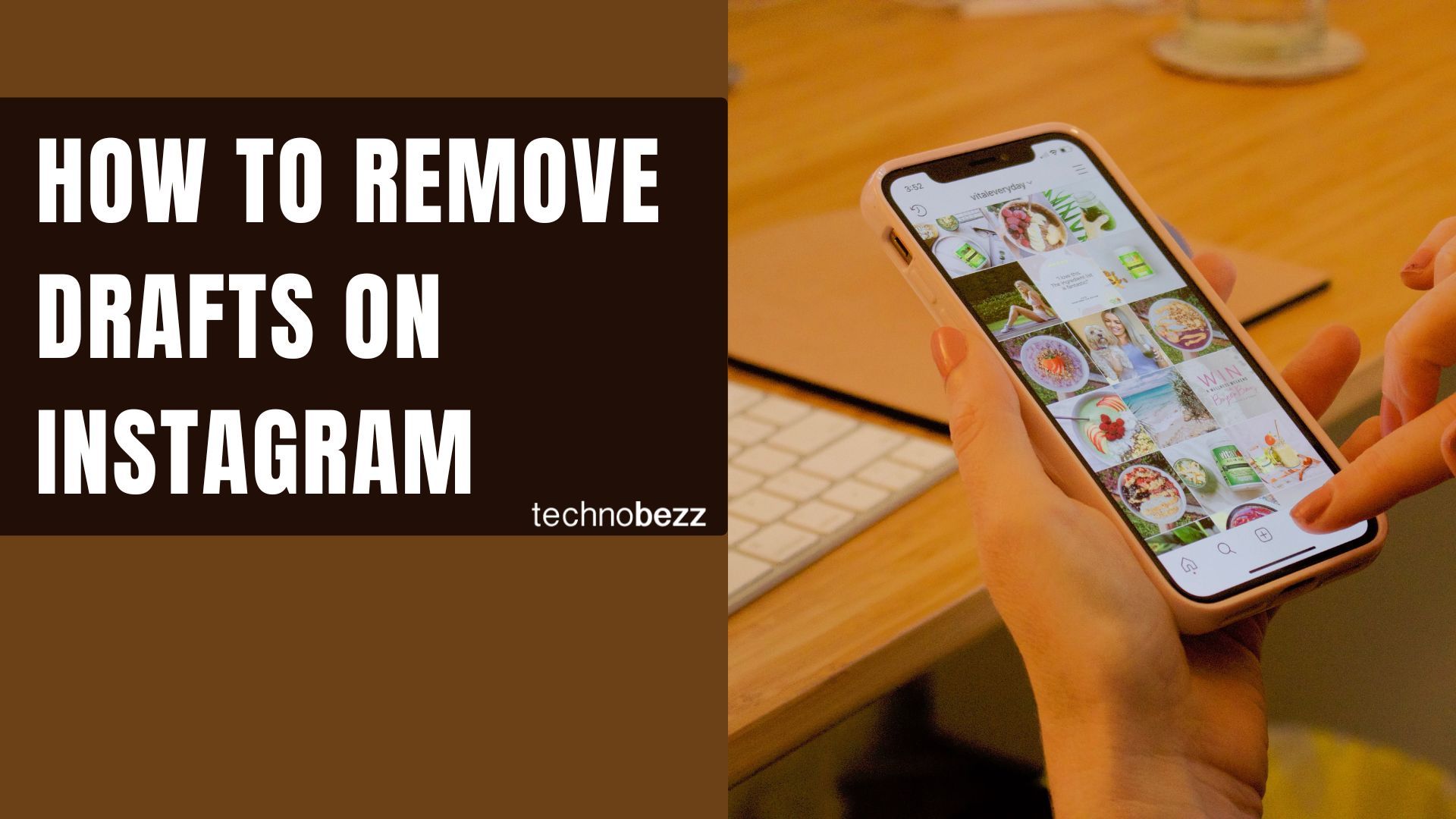
Instagram drafts let you save unfinished posts, Reels, and Stories so you can come back and publish them later. That convenience adds up fast, and before long your drafts tab is full of half-edited photos and abandoned Reels you will never post.
Deleting old drafts clears the clutter and makes it easier to find the content you actually plan to share. This guide covers how to remove post, Reel, and Story drafts in 2026, including the quirks that catch most people off guard.
What Instagram Drafts Are
A draft is an unpublished post that Instagram saves inside the app along with your edits. It keeps your filters, captions, hashtags, tagged accounts, and location so you can pick up exactly where you left off.
You can save drafts for regular feed posts, Reels, and Stories. Post and Reel drafts stay until you delete them or remove the app, but Story drafts behave differently and disappear on their own, which we cover below.
Drafts also live only on the device where you created them. They are stored locally, not in the cloud, so they do not sync across phones and they are tied to the account you used at the time.
How to Save a Draft
Saving a draft happens at the point you back out of a post you are not ready to publish. Instagram only offers the option once you have actually edited the content.
- 1.Open Instagram and tap the plus (+) button to start a new post
- 2.Choose your photos or video and apply at least one edit, such as a filter or caption
- 3.Tap the back arrow to exit before posting
- 4.Select Save draft when Instagram asks what to do
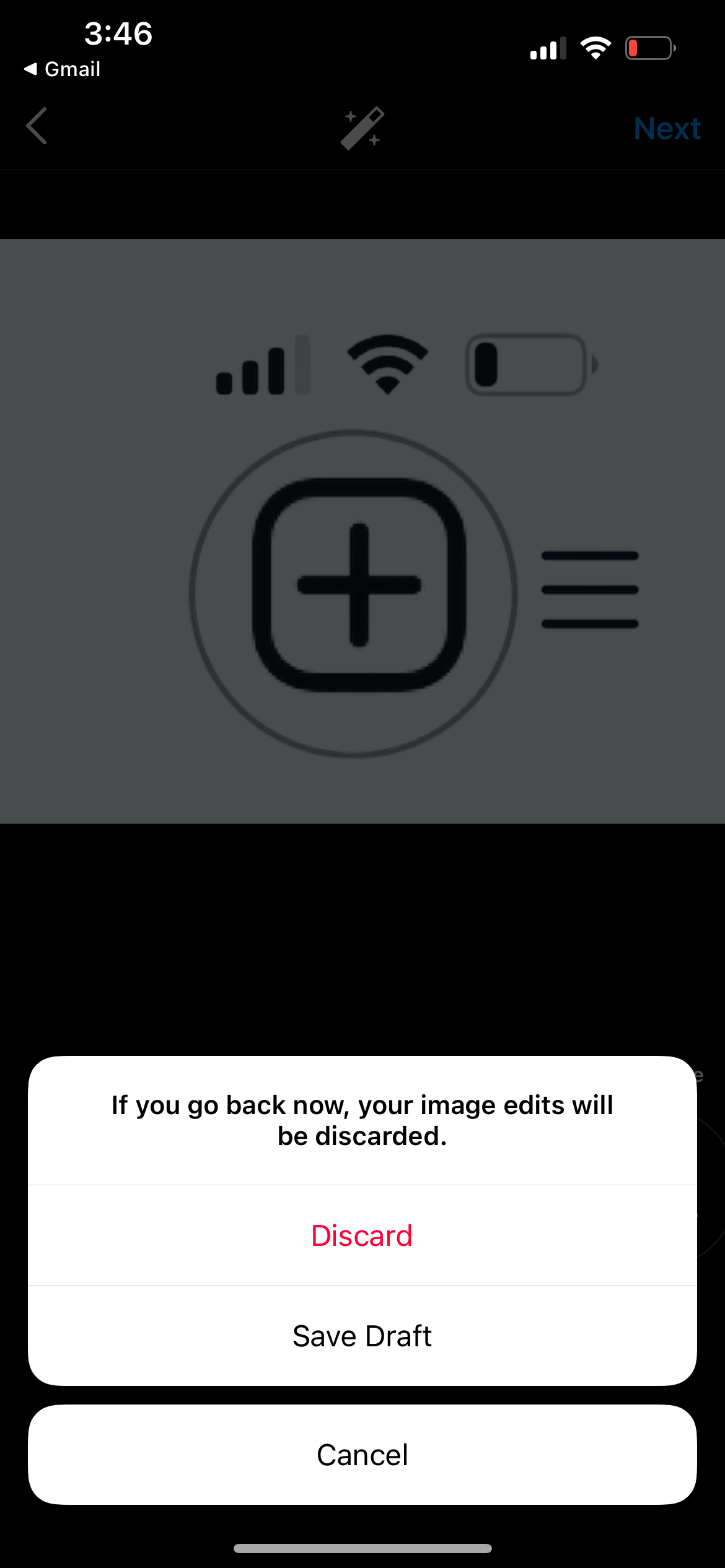
If you do not see the save prompt, it usually means you have not made any edits yet. Add a filter, caption, or tag, then back out again and the option appears.
How to Find Your Drafts
Where your drafts live depends on the type of content, so the path is slightly different for each one.
Post drafts
- Tap the plus (+) button and select Post
- Open the Drafts tab at the top of the gallery
Reel drafts
- Go to your profile and open the Reels tab
- Your saved Reel drafts appear alongside your published Reels and are labeled as drafts
Story drafts
- Open the Story camera by tapping the plus (+) and selecting Story, or swiping right
- Tap the gallery preview and open the Drafts folder
How to Delete Post Drafts
Instagram lets you clear out feed post drafts in bulk, which is the fastest way to empty a cluttered Drafts tab. Start from the create-post screen rather than your profile.
- 1.Tap the plus (+) button and select Post
- 2.Open the Drafts tab
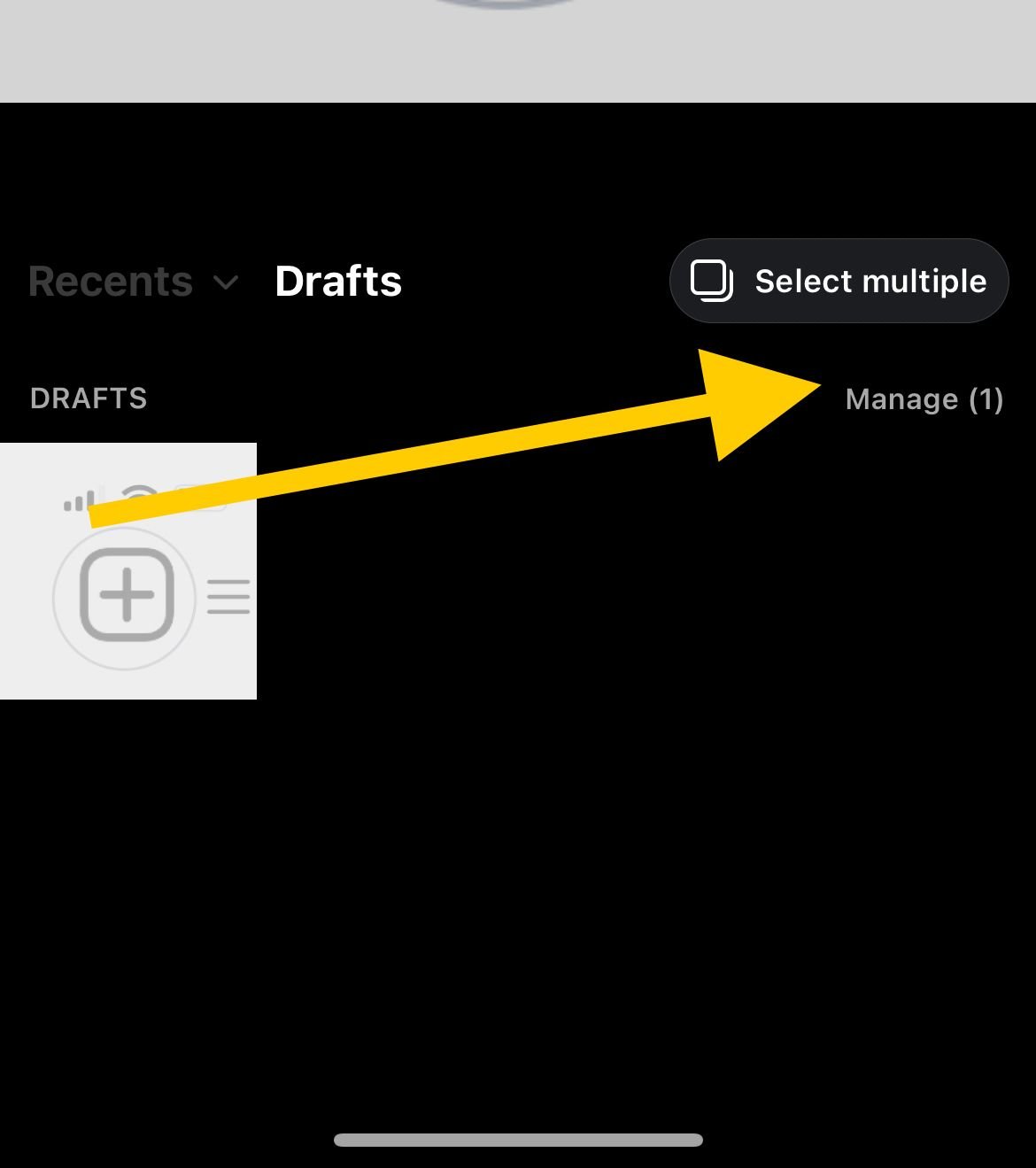
- 3.Tap Manage in the lower right corner
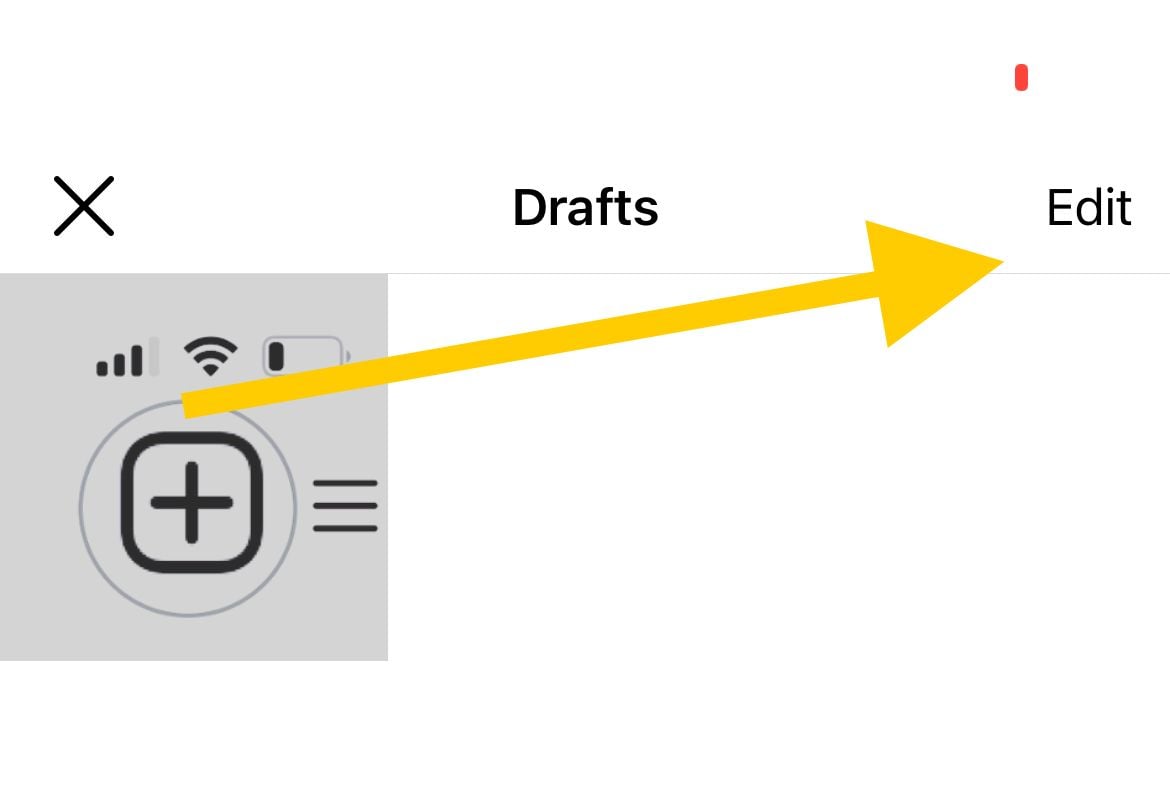
- 4.Tap Edit to enter selection mode
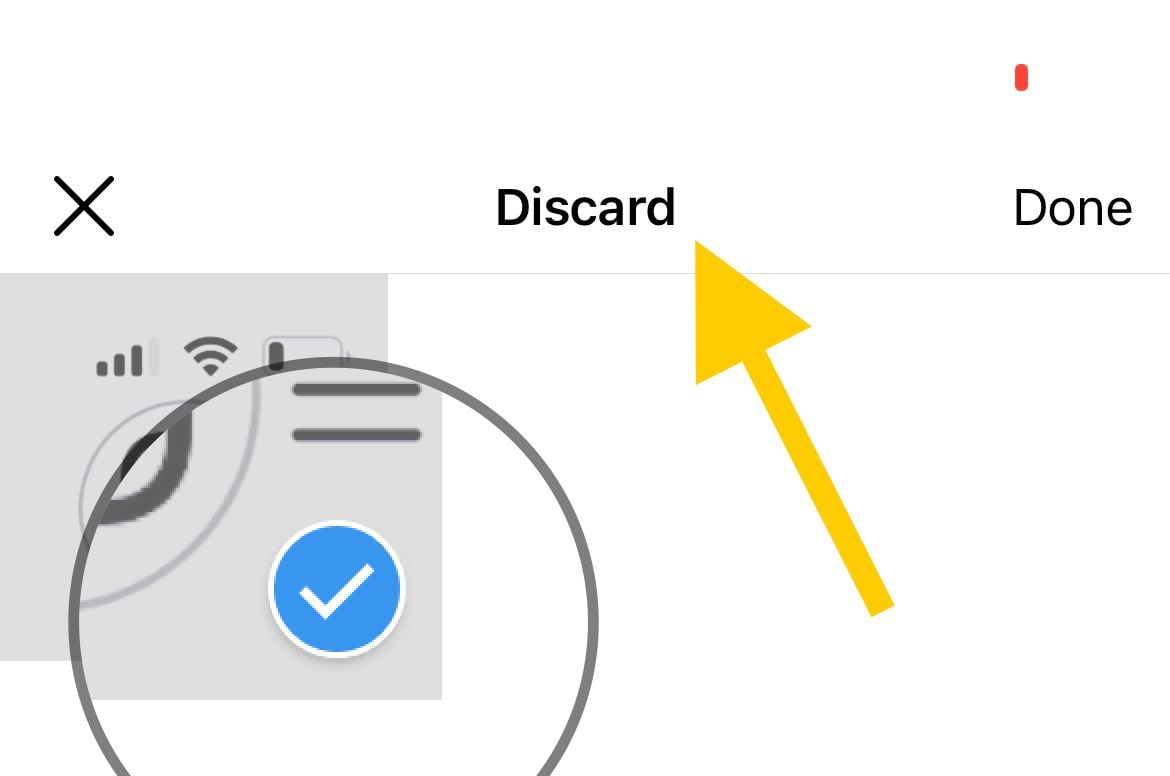
- 1.Tap each draft you want to remove so it is selected
- 2.Tap Done, then confirm with Discard posts
The wording of the final button can vary slightly by app version, but it will clearly ask you to discard or delete. Once you confirm, the drafts are gone for good.
How to Delete Reel Drafts
Reel drafts are managed from your profile, not the create-post screen, which trips up a lot of people. They sit on your Reels tab next to the Reels you have already published.
- 1.Go to your profile and tap the Reels tab
- 2.Open the draft Reel you want to remove
- 3.Tap the three-dot menu and choose Delete or Discard
To clear several at once, open the Drafts area and tap Select in the top right. Choose the Reels you want, then tap Discard to remove them all in one step.
How to Delete Story Drafts
Story drafts are the most temporary of the three, since Instagram removes them automatically after about a week. If you want one gone sooner, you can delete it manually.
- 1.Open the Story camera, then tap the gallery preview and open the Drafts folder
- 2.Tap the draft you want to remove and tap the X, then confirm with Delete draft
To remove more than one, tap Select in the corner, choose your drafts, and tap Delete. When you open the Drafts folder, Instagram also shows how many days remain before each Story draft expires on its own.
Things to Know Before You Delete
A few details about how drafts work can save you from losing content you meant to keep. The most important one is that there is no undo.
- No recovery: Once you delete a draft, it cannot be restored, so double-check before confirming
- Device-specific: Drafts are saved locally and do not sync across phones or tablets
- Lost on uninstall: Removing or reinstalling the Instagram app deletes all your saved drafts
- Story expiration: Story drafts auto-delete after roughly 7 days, while post and Reel drafts stay until you remove them
- Mobile only: You cannot create, view, or delete drafts on Instagram's desktop website
- Publishing clears it: When you publish a draft, it is automatically removed from your drafts
When to Keep a Draft Instead
Cleaning up is useful, but not every draft is worth deleting. Some are worth holding onto until the right moment.
- Content you genuinely plan to post in the next few days
- Posts that only need a small finishing touch
- Seasonal or event content you will use later
- Alternate versions of a post you want to compare before choosing one
A quick review every so often keeps your drafts manageable without throwing away ideas you might still publish.
Frequently Asked Questions
Can I recover a deleted Instagram draft?
No. Once you confirm the deletion, the draft is permanently removed and Instagram offers no way to restore it. Always make sure you no longer need a draft before discarding it.
Why do my Story drafts keep disappearing?
Story drafts are temporary by design and automatically delete after about 7 days. Post and Reel drafts do not expire, so only Stories vanish on their own.
Can I delete Instagram drafts on a computer?
No. Drafts are a mobile-only feature, so you need the Instagram app on your phone to view or delete them. The desktop website does not support creating or managing drafts.
Will my drafts show up if I log in on another phone?
No. Drafts are stored locally on the device where you created them and do not sync across devices. Logging in elsewhere will not show drafts saved on your original phone.
What happens to my drafts if I uninstall Instagram?
All of your saved drafts are deleted when you remove the app, because they are stored on the device rather than in your account. Publish anything important before uninstalling or reinstalling.
Why is there no Save draft option when I back out of a post?
Instagram only offers to save a draft after you have made at least one edit, such as adding a filter, caption, or tag. Make an edit first, then back out and the prompt will appear.
First published October 12, 2025. Last updated June 4, 2026.