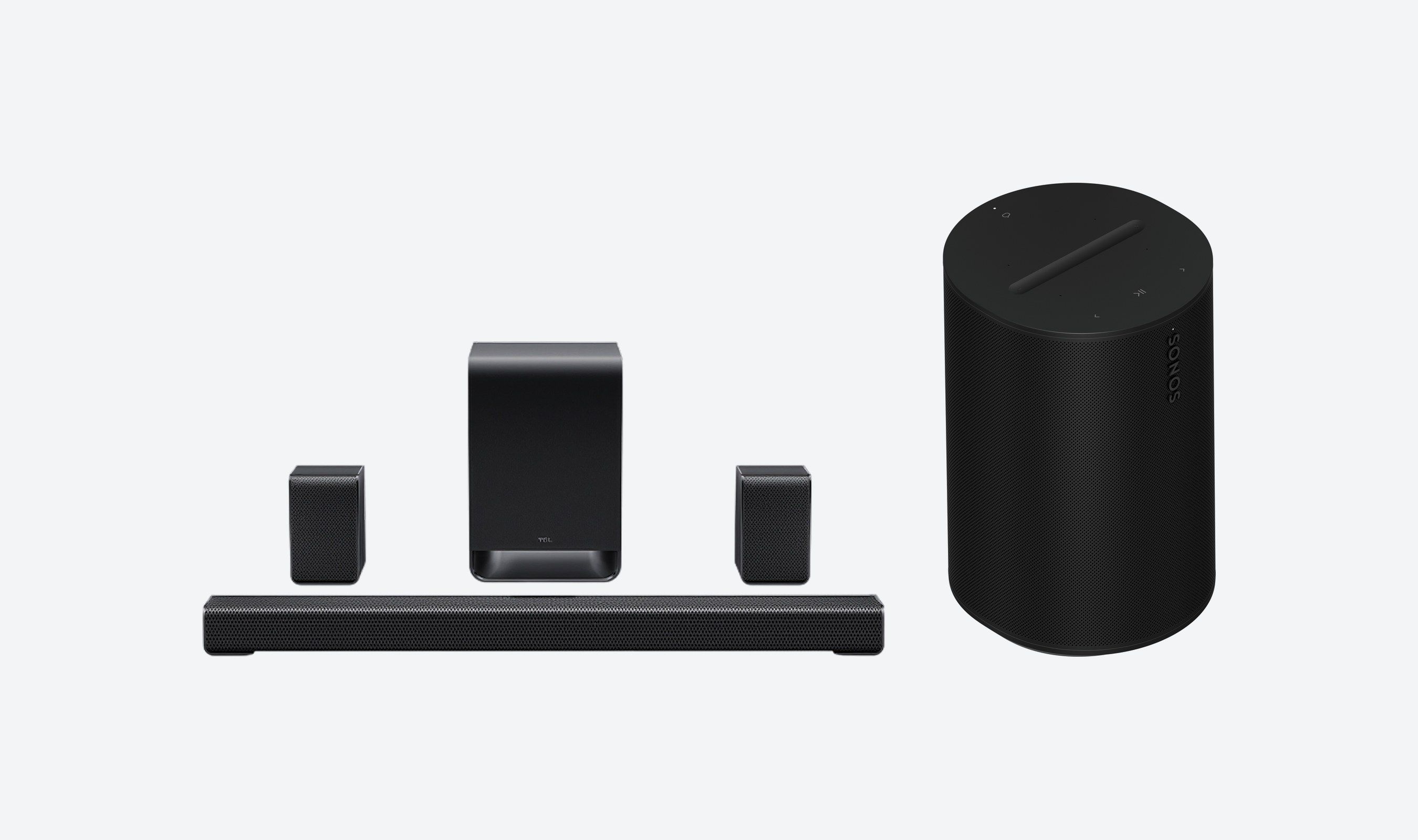
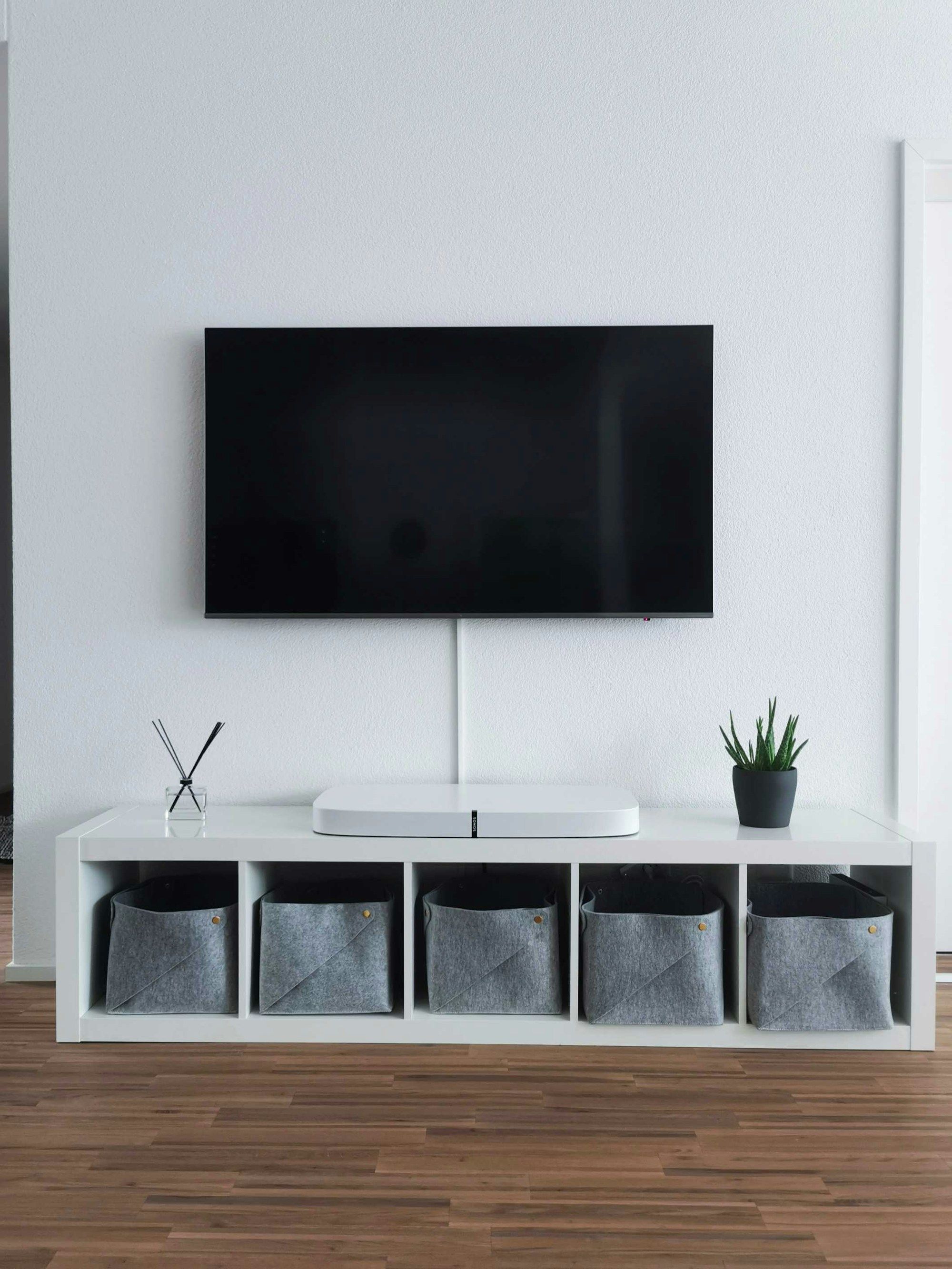
Connected home devices collect different kinds of information, from viewing history and voice requests to camera clips and room maps. Some information stays on a device, while enabled features can send it to a company or a service you link.
These examples name the product and the control to check as of late October 2026. Check your model before changing a setting because features and menus can differ.
The short version
- Review viewing-data consent on your TV and voice history on your smart speaker.
- Check camera recording, sharing and access permissions, including Ring's current Community Requests.
- Review occupancy features on thermostats and location-based routines for smart lights.
- Check whether a robot vacuum sends maps or obstacle images to the cloud.
1. Smart TVs
 Image: Lukas Bato / Unsplash
What it collects: Samsung Smart TVs can use optional Automatic Content Recognition, or ACR, when you agree to Viewing Information Services. Samsung says the resulting data can include programs watched, viewing time, a TV identifier and IP address. It says it does not record or watch the content displayed on the screen.
Third-party sharing has mattered in this category. In 2017, VIZIO agreed to settle FTC and New Jersey charges that its TVs collected viewing histories without informed consent. The agencies alleged that VIZIO sold related information to third parties for advertising. That case concerns VIZIO's older practices; Samsung's current ACR guidance describes an optional feature.
What to check: On a Samsung TV, open Settings and review Viewing Information Services. Samsung says you can turn ACR off after setup. Read the Viewing Information Services notice in that menu to see how the choice applies to your TV. This is a brief starting point; the separate smart TV list covers TV controls in depth.
2. Laptop Webcams and Microphones
 Image: Windows / Unsplash
What it collects: Microsoft's Surface Laptop (7th Edition) has a front camera and Studio Mics. An app or website you permit can use them to capture images or sound. Windows 11 provides separate camera and microphone access controls, but the service using that access determines what it sends or stores elsewhere.
Microsoft's Surface Laptop fact sheet lists a full HD Surface Studio Camera and Studio Mics. Its current Windows privacy guide says a camera light or notification indicates camera use, while a taskbar icon indicates microphone use. It also says desktop apps may not appear in the individual app lists and may access these devices differently from Microsoft Store apps.
What to check: In Windows 11, go to Start > Settings > Privacy & security > Camera, then Microphone. Review app permissions and the separate Let desktop apps access your camera and Let desktop apps access your microphone switches. A website in Microsoft Edge also asks for its own permission. Check the privacy policy of any app you authorize to learn what it sends to its cloud or other parties.
3. Voice Assistants and Smart Speakers
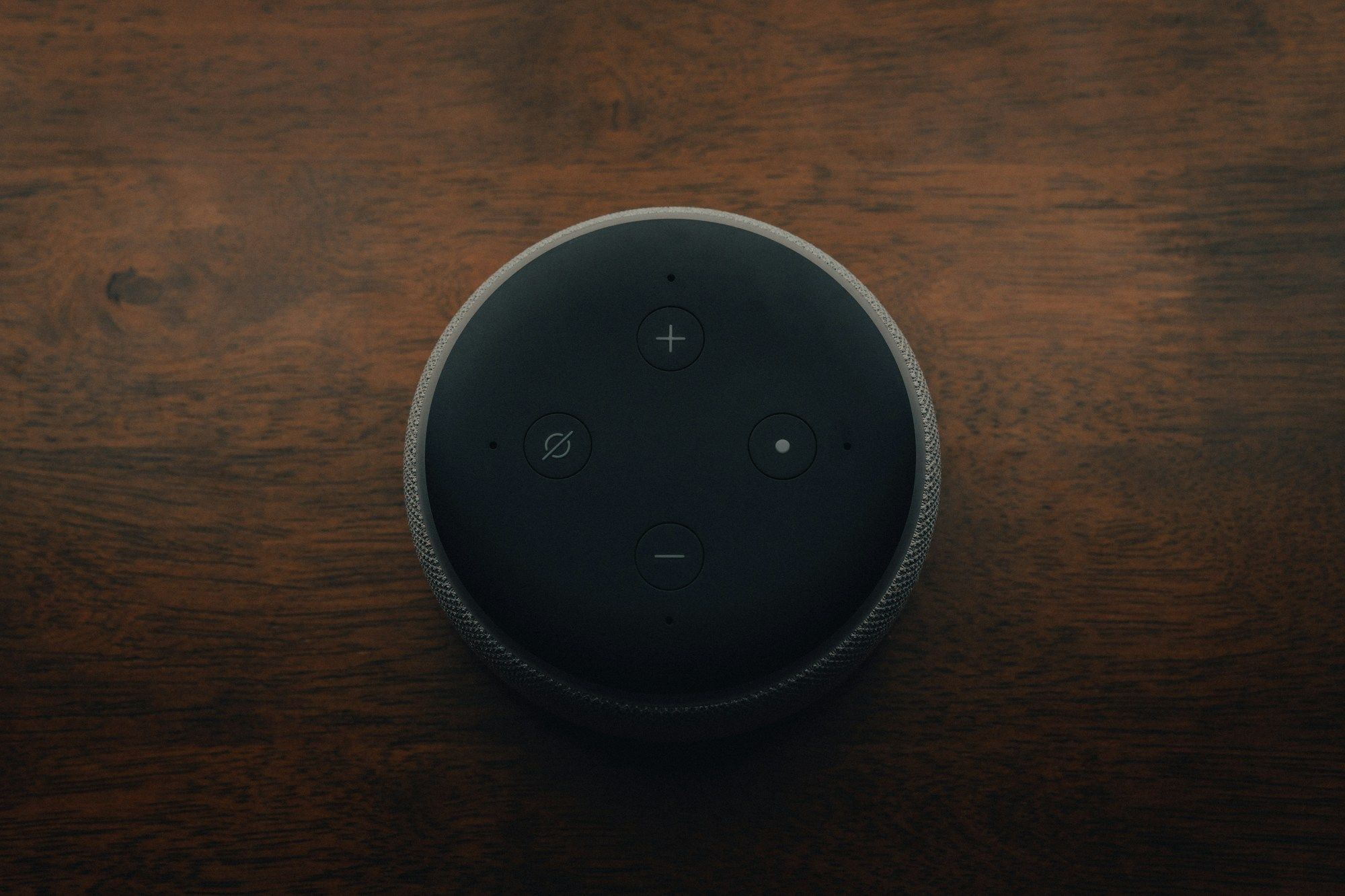 Image: Mark Farías / Unsplash
What it collects: Amazon Echo speakers detect a wake word on the device. When Echo detects it, including by mistake, Alexa records audio and streams it to Amazon's cloud. Amazon says your account can hold recordings, transcripts and typed requests. Data collected separately by a third-party Alexa skill may require separate deletion.
In 2023, the FTC and Justice Department brought a case over Amazon's Alexa deletion practices, including charges about children's voice data. Amazon entered a federal court settlement requiring changes to deletion and privacy safeguards. The case is a reason to examine retention settings, while Amazon's current Alexa FAQ explains what its controls now do.
What to check: In the Alexa app, go to More > Alexa Privacy to review and delete Alexa History. Go to More > Alexa Privacy > Manage Your Alexa Data to choose a retention period or stop saving voice recordings. Amazon says choosing no saved recordings still leaves transcripts and typed requests for a limited period unless you delete them. Review any linked skills separately because deleting Amazon's cloud copy may not delete a skill developer's data.
4. Video Doorbells
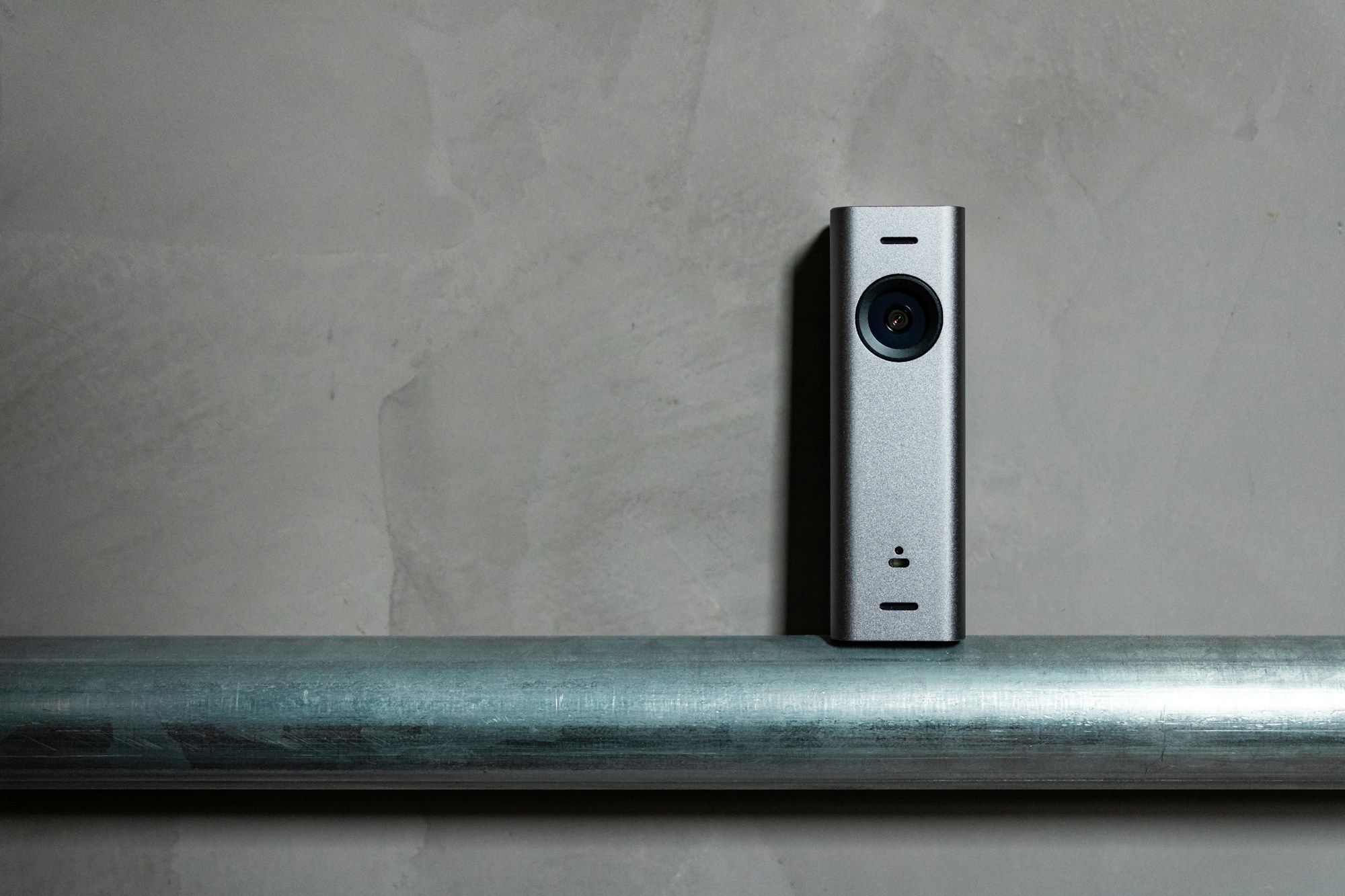 Image: Gabriel Ramos / Unsplash
What it collects: Ring Video Doorbells detect motion and provide live video. A clip you choose to share can leave your Ring account and reach someone else.
Ring ended its old Request for Assistance tool in January 2024 and launched Community Requests in 2025. Under the current program, a public safety agency can ask for footage, but Ring says sharing is voluntary. Selected clips go to Axon Evidence. Ring says your home address and account email accompany a clip you submit; the agency does not learn who ignored its request.
What to check: On supported doorbells, use Ring app > menu > Devices > your doorbell > Device Settings > Privacy Settings > Add Privacy Zones to block part of the image. This feature excludes the first-generation Video Doorbell. To stop Community Requests emails, use Ring app > menu > Control Center > Public Safety. That setting stops the emails; it does not prevent a request from appearing in Neighbors.
5. Indoor Home Cameras
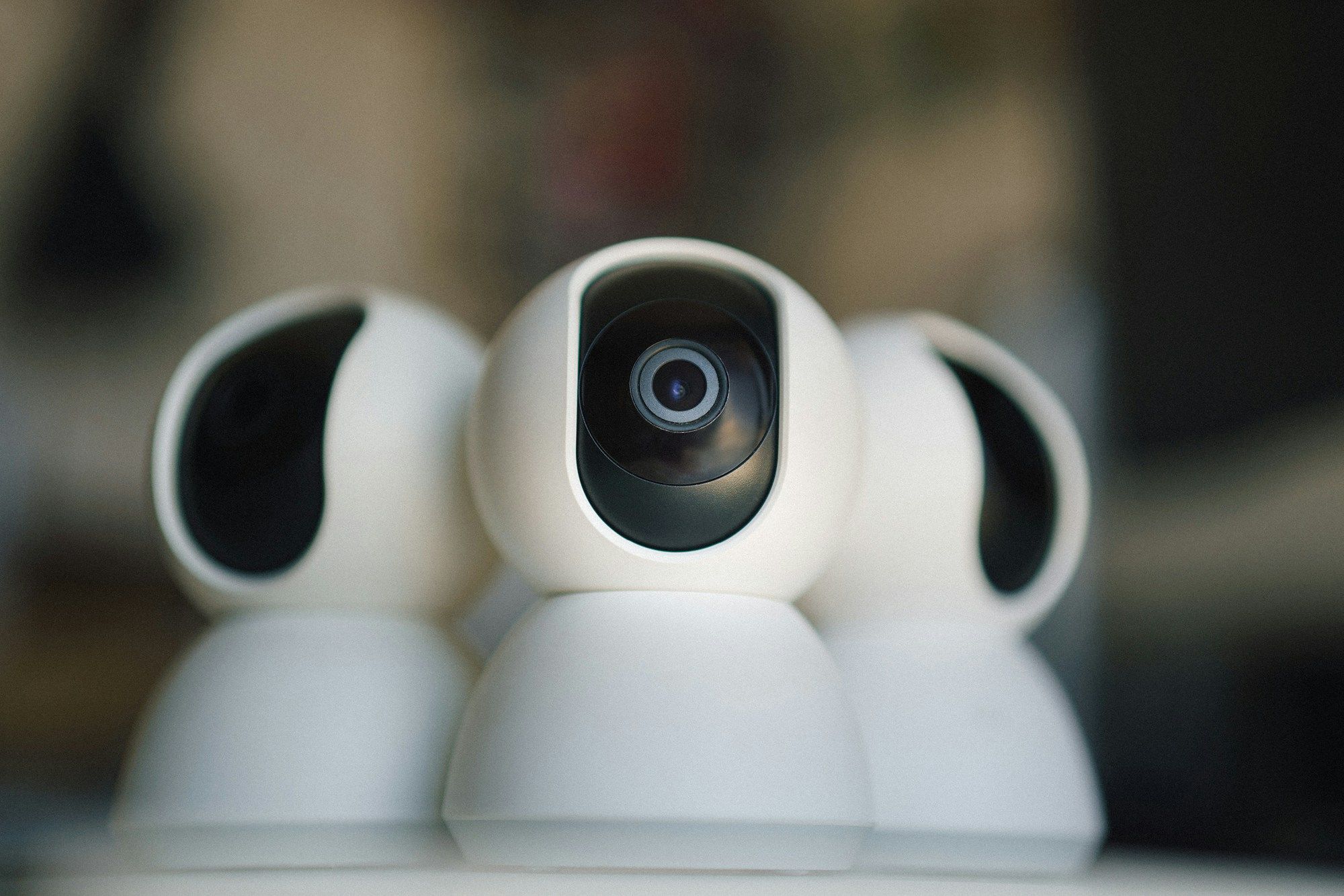 Image: Jakub Żerdzicki / Unsplash
What it collects: Google's Nest Cam (battery) detects activity and can save event video to Google's cloud. If it loses its connection while powered, it can temporarily hold events in internal memory and upload them after reconnecting. Someone you invite into your Google Home can also receive access to live video and recorded history.
As of October 2026, Google's camera storage guide says the Nest Cam (battery) needs Wi-Fi and the Nest service to upload footage. The local memory is a backup during outages, not a private archive you can browse. Google's sharing guide says home members can see camera history when that history is available. These are different paths for footage: temporary device storage, cloud history and access you grant to other people.
What to check: In the Google Home app, go to Home > All devices, touch and hold the camera tile, then choose Settings > Video > Video history > No video history. Google says this also deletes saved footage and snapshots for that camera. Review who has access to your Google Home before inviting anyone else, since home membership can expose camera video.
6. Smart Light Bulbs
 Image: Jakub Żerdzicki / Unsplash
What it collects: Philips Hue lights report states such as on or off, brightness and color through a connected Hue system. Signify, Hue's maker, says its cloud systems can hold device settings and information about when a light turns on or off. A Hue Bridge also holds local lighting settings, while connected apps or smart home services may receive access you authorize.
In its April 2023 US privacy notice, Signify says location data used for routines such as coming home or leaving home remains on your phone and Hue Bridge. It separately describes product usage data processed for features, analytics and marketing, and says service providers can receive personal data.
What to check: Review the users and applications authorized in your Philips Hue account, and remove access you no longer need. In the Hue app, inspect Automations, especially Coming home and Leaving home routines if you use them. Check which smart home services you linked before granting another one access to your lights.
7. Smart Thermostats
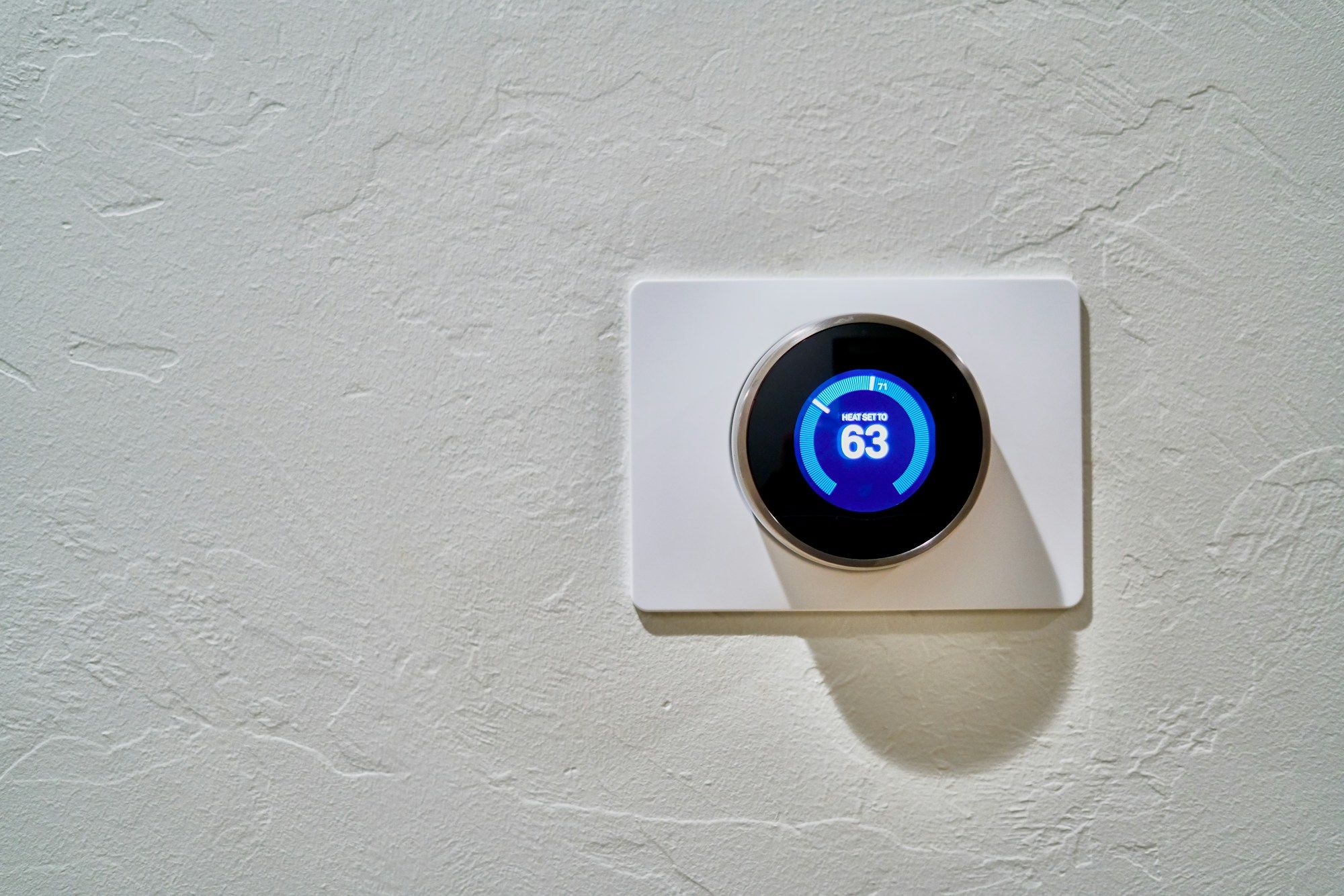 Image: Dan LeFebvre / Unsplash
What it collects: An ecobee Smart Thermostat paired with SmartSensors collects temperatures, and some models also sense motion, which ecobee calls occupancy sensing. Ecobee says its products use on-device and remote processing. For remote features and history, the thermostat sends encrypted product data, including operating information, to ecobee's service.
Ecobee's November 2024 privacy notice says this data is stored for historical reports. It also says that enabling a third-party integration can disclose ecobee account and product data to that service. Models with voice control add a microphone. Ecobee says that in private mode the thermostat is not listening for wake words and sends no recorded messages to the voice service, and that ecobee keeps no copies of your audio.
What to check: If your thermostat has voice control and you do not use it, keep it in private mode. Review integrations before linking another service. Ecobee says you can delete account and product data by deregistering the product through its website or the thermostat itself; check that option if you no longer use its remote features.
8. Robot Vacuums With Cameras
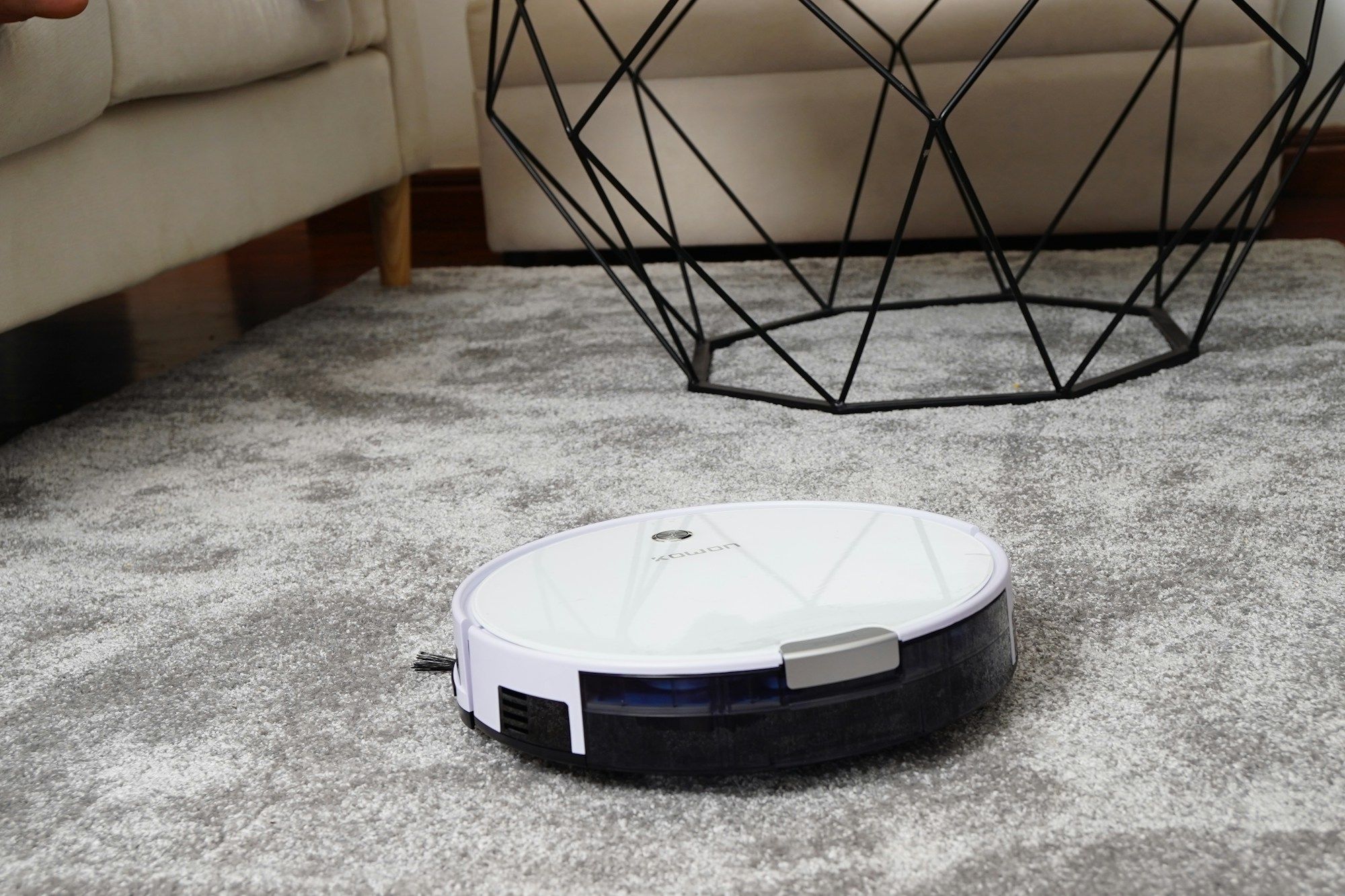 Image: Kowon vn / Unsplash
What it collects: iRobot's privacy policy says robots with a camera detect types of objects, along with the presence of pets and people. Supported Roombas create floor maps. IRobot says Smart Maps are stored in its cloud; optional obstacle images are encrypted on its servers and are available to the account holder unless the user chooses to contribute them to iRobot's image database.
On January 23, 2026, iRobot announced that Picea had acquired all of its equity. The company said it established iRobot Safe, a US subsidiary intended to separate consumer data from its non-US ownership. Its current privacy policy says users can choose not to transmit map data and can opt into sharing obstacle images. Those choices are more useful to check than assuming what the ownership change means for any individual map.
What to check: In the iRobot HOME app, use Accounts > Privacy > Mapping Features > your robot > Toggle Mapping Features to stop spatial data going to iRobot's cloud. IRobot says this disables map-based app features. For a j-series robot, use Account > Privacy > Map Features > your robot > Obstacle Image Review to change image capture. Review any prompt to contribute individual images before selecting it.
9. Connected Baby Monitors
 Image: Paul Hanaoka / Unsplash
What it collects: A Nanit Pro Camera can capture crib video and audio, room temperature and humidity. Nanit's app can also hold a baby's profile and activity clips. Nanit says a live feed goes directly from camera to phone when both share Wi-Fi; its paid Video History feature saves continuous footage for later viewing.
Nanit's privacy policy updated October 21, 2026 lists video and audio from the crib environment among the information it collects. It says sensory data may be disclosed to service providers. Nanit's support pages distinguish the local live connection from stored history: turning off Video History does not turn off short clips triggered by sound, motion or sleep events.
What to check: In the Nanit app, open the side menu > your baby's name, if you have multiple cameras > your baby's settings > Video History to turn off continuous history. Check the Activity feed separately for event clips. To suspend all video and sound capture, open the three dot menu on the live screen and choose Turn camera off. Nanit says that also suspends Insights collection and notifications.